
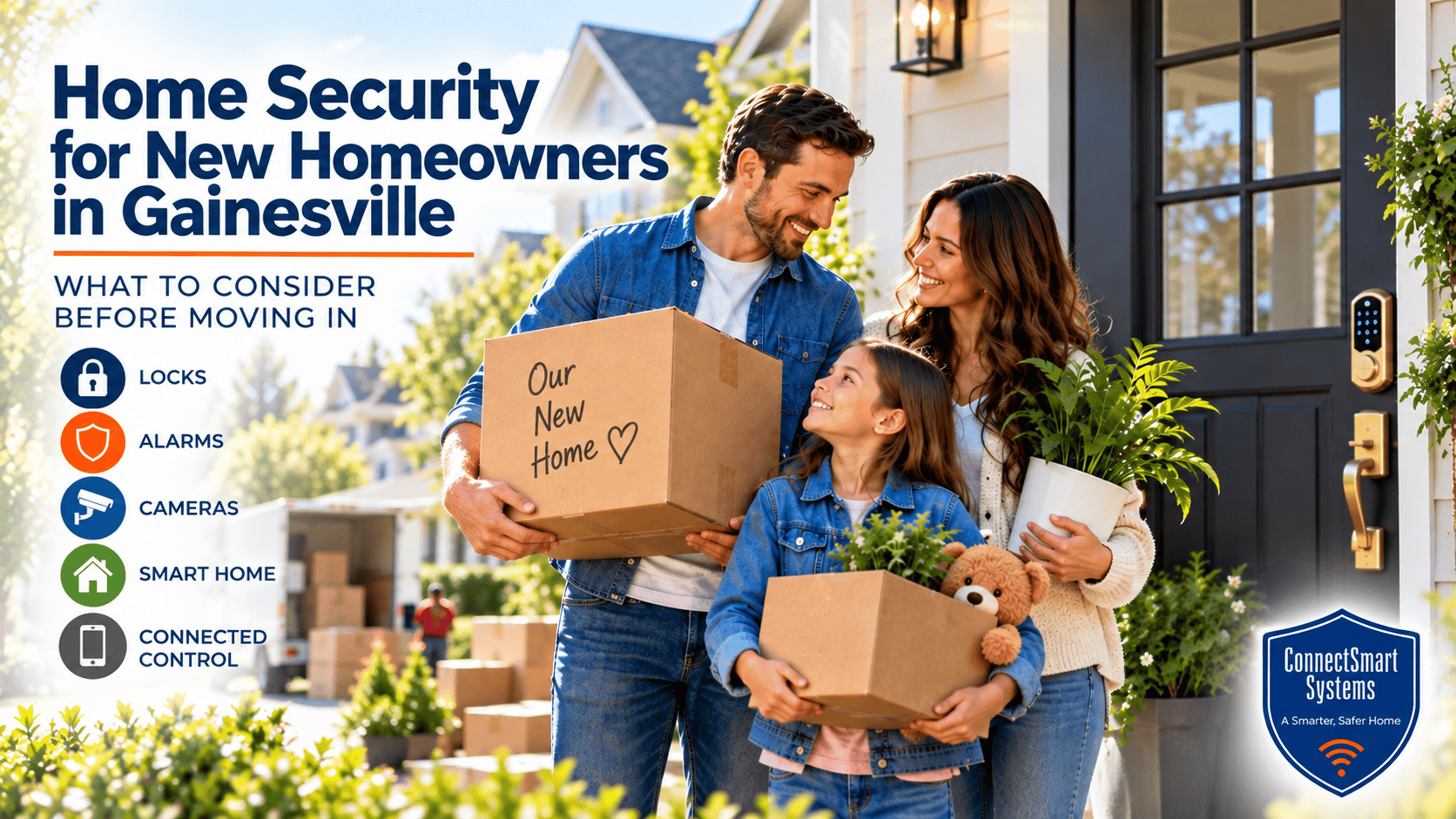
New Homeowner Security is worth thinking about before the moving truck arrives and boxes begin filling the house. Buying a home means taking responsibility for doors, locks, alarm equipment, cameras and connected devices that may have been selected or used by someone else. Even when everything appears to work, a new owner may not know who still has a key, an access code or administrative control over existing smart-home technology.
That makes the period before and immediately after closing an ideal time to look at security as part of the move rather than waiting until something creates concern. The objective is not to turn a new home into a fortress. It is to understand the property, identify reasonable vulnerabilities and make sure the security technology fits the people who will actually live there.
Table of Contents
- Start With the People Who Can Enter the Home
- New Homeowner Security Begins With The Property
- Review Any Security System Left Behind
- Evaluate Cameras Around the Property
- Take Control of Connected Home Technology
- Think About How Your Household Will Use the Home
- Decide What Should Work Together
- Make Security Part of the Moving Plan
Start With the People Who Can Enter the Home
One of the first security questions after buying a house is surprisingly basic: who might still be able to get inside? Previous owners may have distributed keys to relatives, neighbors, cleaners, contractors or pet sitters. Garage remotes may also exist outside the set handed over at closing, and electronic locks may contain access codes that are no longer appropriate.
Changing or rekeying exterior locks gives the new homeowner a known starting point. Electronic locks should also be reviewed so old codes can be removed and new access can be established for the household. Garage-door controls and other secondary entry methods deserve the same attention.
This is also a good time to consider how the front door, garage entry, patio doors and less frequently used entrances relate to the overall security plan. ConnectSmart’s Home Security Systems Gainesville guide provides a broader look at how intrusion detection, video, connected access and other technologies can function as coordinated layers rather than unrelated products.
New Homeowner Security Begins With the Property
Home security for new homeowners in Gainesville should reflect the actual house rather than a standard equipment package. A home with a prominent front entrance and attached garage presents different considerations from a property with side gates, a detached workshop, a deep backyard or several exterior doors.
Walk the property during daylight and again after dark. Look at the routes family members are likely to use, where packages will be delivered, how visitors approach the house and whether landscaping or architectural features limit visibility around important entrances. Outdoor lighting, fences and neighboring properties can also influence what a homeowner can see and where additional awareness may be useful.
This property review creates a better foundation for deciding where sensors, cameras or other security devices belong. Equipment should solve a defined problem rather than simply occupy a convenient mounting location.
Review Any Security System Left Behind
A house may already contain door contacts, motion detectors, an alarm panel or other security equipment. Existing equipment can be useful, but its presence does not automatically mean the system is ready for a new household. The homeowner needs to understand what is installed, whether the equipment still functions properly, how it communicates and whether it can support the type of protection the family wants.
Passwords, user codes and account ownership should also be reviewed. If monitoring was previously associated with the property, the new homeowner should not assume that the old service arrangement simply transfers with the house. A professional evaluation can determine which components remain useful, what may need to be reprogrammed and whether older equipment should be replaced or incorporated into a new design.
New homeowners who want a clearer understanding of how the individual pieces interact can also review How Home Security Systems Work, which explains the relationship between sensors, cameras, connected access, control and monitoring.
Evaluate Cameras Around the Property
Existing cameras deserve the same review. A camera may power on and display an image while still providing poor security value because of its angle, mounting height, lighting conditions or limited view of the area a homeowner actually wants to observe.
Rather than starting with the number of cameras, identify the locations where visual information would be useful. The front entrance, driveway, garage approach, side access and rear doors are common areas to evaluate, but every property is different. A well-positioned camera should help answer a useful question: Who approached the door? What vehicle entered the driveway? What caused activity near a particular part of the home?
New owners should also make sure they control the accounts associated with connected cameras. Previous users should not retain access to video or device settings after ownership changes.
Take Control of Connected Home Technology
Today’s home may include far more connected technology than a buyer notices during a walkthrough. Security cameras, smart locks, thermostats, doorbells, lighting controls and other devices may all be connected to accounts established by the previous owner.
The Federal Trade Commission’s guidance for people buying a smart home recommends resetting connected devices, reviewing privacy settings and permissions, creating new accounts where appropriate and updating devices after taking ownership. Those steps help separate the previous owner’s digital access from the new household.
The home’s network matters as well. Security cameras and other connected devices frequently depend on the home’s router and internet connection. NIST notes that the increasing use of smart-home IoT devices makes consumer-router cybersecurity important to the integrity and availability of the home network. NIST’s consumer-grade router cybersecurity guidance provides additional background for homeowners interested in the security of the network supporting connected devices.
Think About How Your Household Will Use the Home
A security plan becomes more useful when it reflects everyday life. Parents may want to know when children arrive home from school. Someone who travels frequently may place greater value on remote awareness and professional monitoring. A household that receives frequent deliveries may be especially interested in front-entry video and notifications.
Pets can affect motion-detection planning. Family members who regularly enter through the garage may make that door more important than the formal front entrance. A homeowner with contractors completing renovations after closing may temporarily have different access-management needs than the same household will have six months later.
These details are why professional security planning begins with questions about the household rather than simply counting doors and windows. The equipment should support normal routines while providing meaningful information when something unusual happens.
Decide What Should Work Together
Moving into a new home is also an opportunity to avoid accumulating disconnected technology. A doorbell may have one application, cameras another, a lock another and an alarm system yet another. Each product may function individually, but managing several unrelated systems can become cumbersome.
A coordinated approach can make security easier to understand and use. Door and window sensors provide detection. Cameras add visual information. Connected locks can help manage entry. Mobile control gives the homeowner access to useful system information, while professional monitoring can provide another response layer when an alarm occurs and the homeowner cannot respond personally.
The objective is not to connect every possible device. It is to determine which functions benefit from working together and then build around those priorities. For home security for new homeowners in Gainesville, that planning can be much easier before the household has settled into habits around an inherited collection of devices.
Make Security Part of the Moving Plan
There is already a long checklist associated with buying a home: utilities, insurance, inspections, repairs, internet service and the move itself. Security deserves a place on that list because the first few days of ownership are when access, accounts and existing technology are changing hands.
A practical review should answer a few fundamental questions. Do you know who can enter the house? Do you control the codes and connected-device accounts? Does existing alarm equipment work properly? Do cameras cover useful areas? Does the system fit the way your household will use the property?
Answering those questions early allows security decisions to become part of settling into the home rather than a reaction to a problem later.
If you are moving into a home in Gainesville, Newberry, Tioga, Haile Plantation, Ocala, Lake City or the surrounding North Central Florida area, ConnectSmart Systems can help evaluate the property’s existing security and discuss a professionally planned combination of intrusion detection, video, connected access and monitoring that fits your household and your new home.